
Windows VPS Hosting for RDP and Applications
Run Windows applications, RDP sessions, trading tools and business software on a stable Windows VPS with dedicated resources.
Your personal support executive.




Based on 1000+ feedbacks

Best Value Windows VPS Hosting
Powerful VPS infrastructure built for speed, control, and growth
VPS-F1
VPS-F2
VPS-F3
Technical Specification
Dedicated resources, fast storage and server control for production workloads
Why Choose DV Hosting for VPS Hosting?
Reliable infrastructure, practical performance and support when you need help
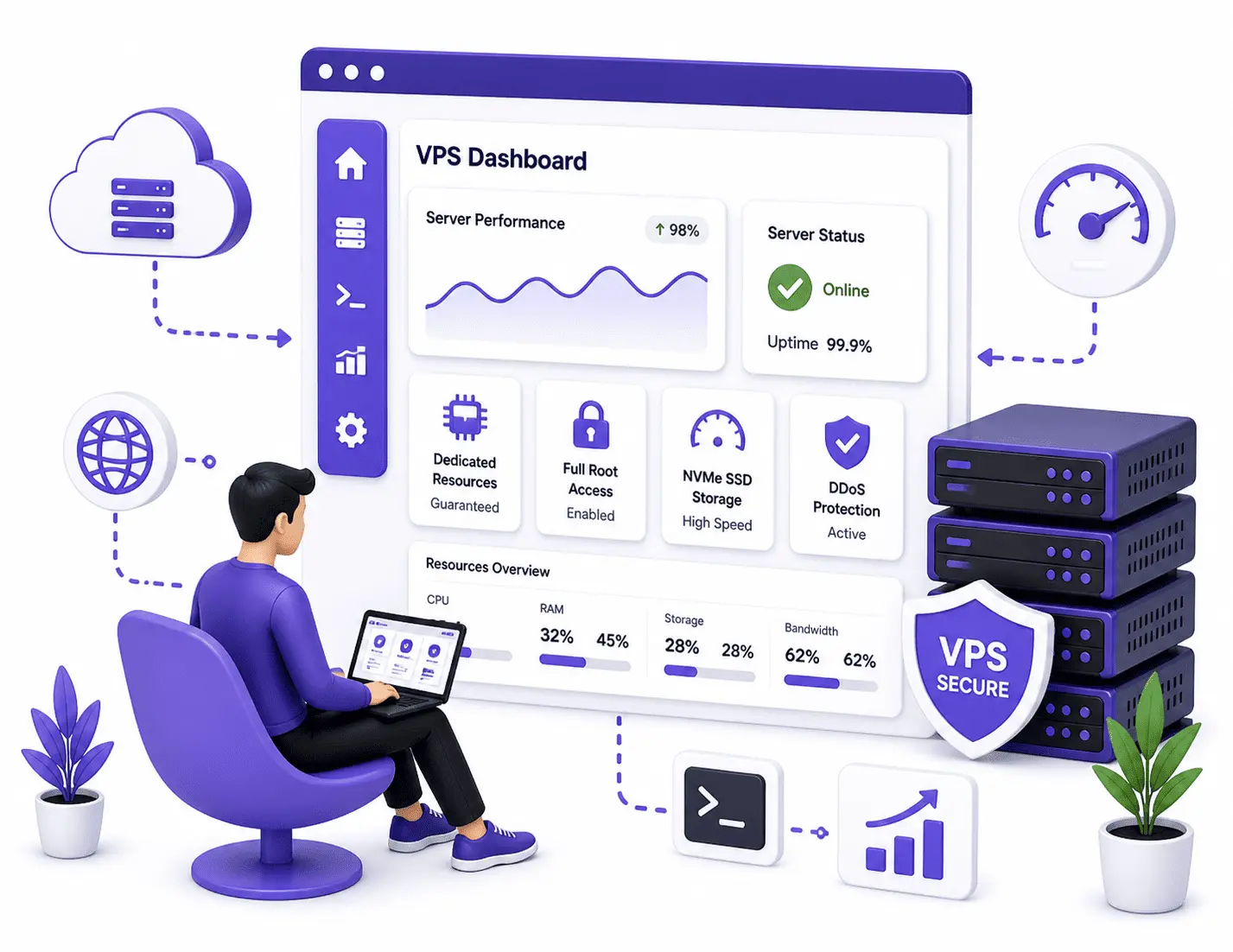
Experience the power of VPS hosting with DV Hosting—designed for performance, flexibility, and scalability. With dedicated CPU, RAM, and NVMe storage, you get consistent speed and full control over your server environment. Whether you're scaling a business or running complex applications, our VPS infrastructure ensures reliability, security, and seamless performance.
What Is a Windows VPS?
A private Windows Server you control remotely over RDP
A Windows VPS is a virtual private server running Windows Server with administrator access, which you connect to over Remote Desktop (RDP). It works like a remote Windows computer that runs 24x7 on reliable infrastructure, so you can install and run Windows applications, trading platforms and business software without relying on your own PC being switched on.
It is a popular choice for RDP access, Forex and algorithmic trading, automation bots and Windows-only software. If you need a Linux environment instead, explore our NVMe and SSD VPS options, or compare everything on the VPS hosting page.
Why Choose a Windows VPS?
Run Windows software 24x7 with full administrator control
Remote Desktop (RDP) Access
Log in to a full Windows desktop from Windows, macOS, Linux or mobile using RDP, and use the server just like a remote computer that is always on and always connected.
Ideal for Trading & Apps
Keep trading platforms, expert advisors, automation bots and Windows-only business software running 24x7 with stable performance and a consistent network connection.
Administrator Control
Get full administrator access to install applications, configure Windows settings and manage services, on dedicated CPU, RAM and fast NVMe storage reserved for you.
Location, Scaling & Support
Reliable Windows hosting with help whenever you need it
Your Location & Easy Scaling
Choose your preferred server location during configuration, and upgrade CPU, RAM or storage as your needs grow, so your Windows VPS keeps pace with your applications.
Security & 24/7 Support
Windows VPS plans include DDoS protection, firewall options and real-time monitoring, backed by 24/7 support for setup and common tasks while you keep full control.
What Our Clients Say About Our Hosting
Customer feedback from businesses, agencies and technical teams using DV Hosting
DV Group always come through for me and answer my issues very quickly with accurate analysis. Professional friendly knowledgeable expert advise, I am able to keep my clients happy with this very reliable service.
Good experience overall. Server is stable and secure. Would love to see more managed options, but performance is excellent.
I moved from shared hosting to DV Hosting VPS, and the difference is huge. My websites load faster, and I haven’t faced any downtime so far. Highly recommended.
The VPS was activated within minutes, and their support team helped me with initial setup. Very responsive and knowledgeable staff.
Frequently Asked Questions
Quick answers about VPS resources, management, payments and support
If you’d prefer, we can help migrate all your websites instead. Once you’ve signed-up, give our Support Team the details of your current web hosting and we’ll get to work, quickly migrating your websites and all the data from your previous host. All migrations are free, however many sites you have.
Yes. Windows VPS can be accessed through Remote Desktop using the login details provided after activation, making it easy to manage Windows applications and services.
Yes, you can! That’s the beauty of a VPS hosting service. It gives unparalleled control over your project.
The three main advantages that come with VPS Hosting are:
Complete Isolation: Your VPS package and its applications remain unaffected irrespective of what another users does on the server.
Root Access: This allows you to install any compatible application of your choice.
Guaranteed Resources: Irrespective of any situation, the CPU, RAM, HDD and bandwidth that have been allocated to your package will always be available for your applications.
Usually it takes 30 minutes for VPS and maximum it may take upto 6 hours for the setup.
Yes, we provide 1 dedicated IPv4 and IPv6(Not with small VPS) free with all our VPS plans.
Windows VPS Hosting FAQs
Common questions about Windows VPS, RDP access, trading use and licensing
Windows VPS hosting is a virtual server running Windows Server with administrator access. You can use it through Remote Desktop (RDP) for applications, automation and business software that need a Windows environment.
Yes. Windows VPS supports RDP access, so you can log in to the server desktop from Windows, macOS, Linux or mobile RDP clients and use it like a remote Windows computer.
Yes. A Windows VPS is commonly used to keep trading platforms and expert advisors running 24x7 with stable performance and a consistent network connection, without relying on your local computer.
Yes. Windows VPS plans include administrator access so you can install applications, configure Windows settings and manage services as needed.
Supported Windows Server versions are shown during configuration before you order. You can select a version that matches your application requirements.
Windows licensing details are reflected in the plan and configuration. If you have specific licensing needs, contact support before ordering so we can guide you.
Yes. You can upgrade CPU, RAM or storage when your applications need more resources. Our team can help you choose the right upgrade.
The number of simultaneous RDP users depends on your Windows Server edition, licensing and the plan resources. For multi-user setups, contact support so we can recommend a suitable configuration.